
 Add to Chrome
Appointments
Government booking portals release slots without warning. Keep the page reloading and track appointment slots the moment they appear.
Set any tab to auto refresh on a timer you choose. Run as many tabs as you need at the same time. No interval cap. No tab cap.
Add to Chrome — It’s FreeNo ads. No signup. No fees.
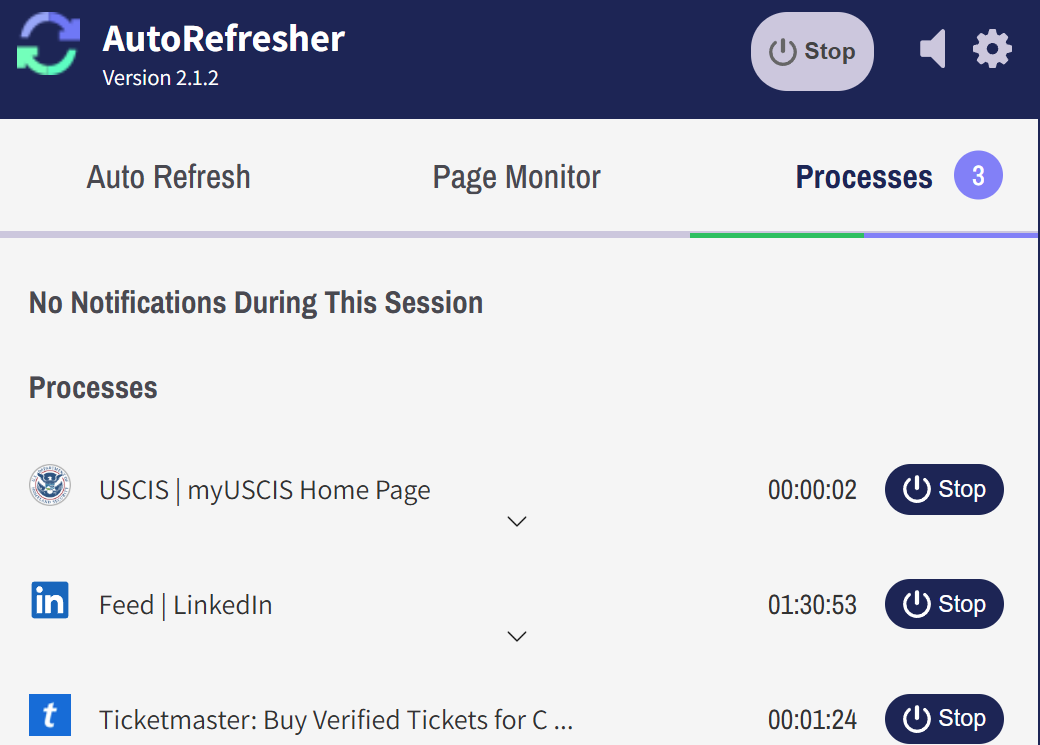
AutoRefresher works on any site, no allowlist, no per-site setup. And setup is the same on every site:
Load the page you want refreshed in your active tab — tab that is currently visible in your browser.
One click on ‘Start’ button is all that remains. Keep in mind that you can repeat this process to add more pages, each on its own timer. You can refresh a page repeatedly in one tab every few seconds, another every hour while another refreshes only once, on a time of your choice. Just remember to load a page in your active tab before clicking start!
Government booking portals release slots without warning. Keep the page reloading and track appointment slots the moment they appear.
Onsales move in seconds. Set a short interval on the event page and monitor ticket availability while the queue moves.
Filtered searches on LinkedIn, Indeed and Upwork have stable URLs. Refresh one on a timer to track new job listings before they collect applicants.
Auto Refreshing, by itself, simply asks the page to update its content; it doesn’t tell you what changed. Feature that does that is page monitoring — two features meant to run on the same tab together.
Most refresh extensions are free until they aren’t. The interval you actually need sits behind a subscription. Number of tabs you can refresh simultaneously is capped. Ad panels start appearing everywhere, and you don’t even know that your auto refresh extension is the culprit. AutoRefresher has no paid tier, no ads, and no such surprises waiting for you.
| Typical freemium extension | AutoRefresher | |
|---|---|---|
| Shortest interval | Paid tier | Available |
| Tabs at once | Capped | Uncapped |
| Ads | In the popup, or injected | None |
| Account | Required | None |
| Price | Free tier, paid upgrade | Free |
AutoRefresher is actually a free page refresh extension in the plain sense. Genuinely free Chrome auto refresh extensions are, no matter what they tell you, not common at all. AutoRefresher is a rare example of such an extension.
Add to Chrome — It’s FreeAs many as your browser will hold. There is no cap in the extension — each tab runs its own process on its own interval, independently of the others.
One second is the floor the extension accepts, and two seconds is the shortest that reloads reliably on any page, however heavy. Whatever you pick, it is not gated: the fastest interval is available without paying, which is the part most extensions charge for. Sites can still rate-limit you at very short intervals — that is the site’s rule, not a limit in the extension.
Different words for the same action, and this extension answers to both. If you searched for a Chrome auto reload extension, or for how to auto reload in Chrome, this is the tool you were looking for. Some listings say addon instead of extension — a Chrome auto refresh addon and a Chrome auto refresh extension are the same thing.
No. Install the Chrome auto refresh extension, open a tab, set an interval. Nothing is created, nothing syncs to a server, and nothing asks for an email.